Features About Gallery Support Privacy Imprint

Trove File Explorer

A fast and efficient file manager for macOS.
The tool you already know how to use.

✓ Native SwiftUI ✓ Tabbed Interface ✓ Windows-like Shortcuts ✓ 9+ Languages

Built for macOS Sonoma, Sequoia & Tahoe
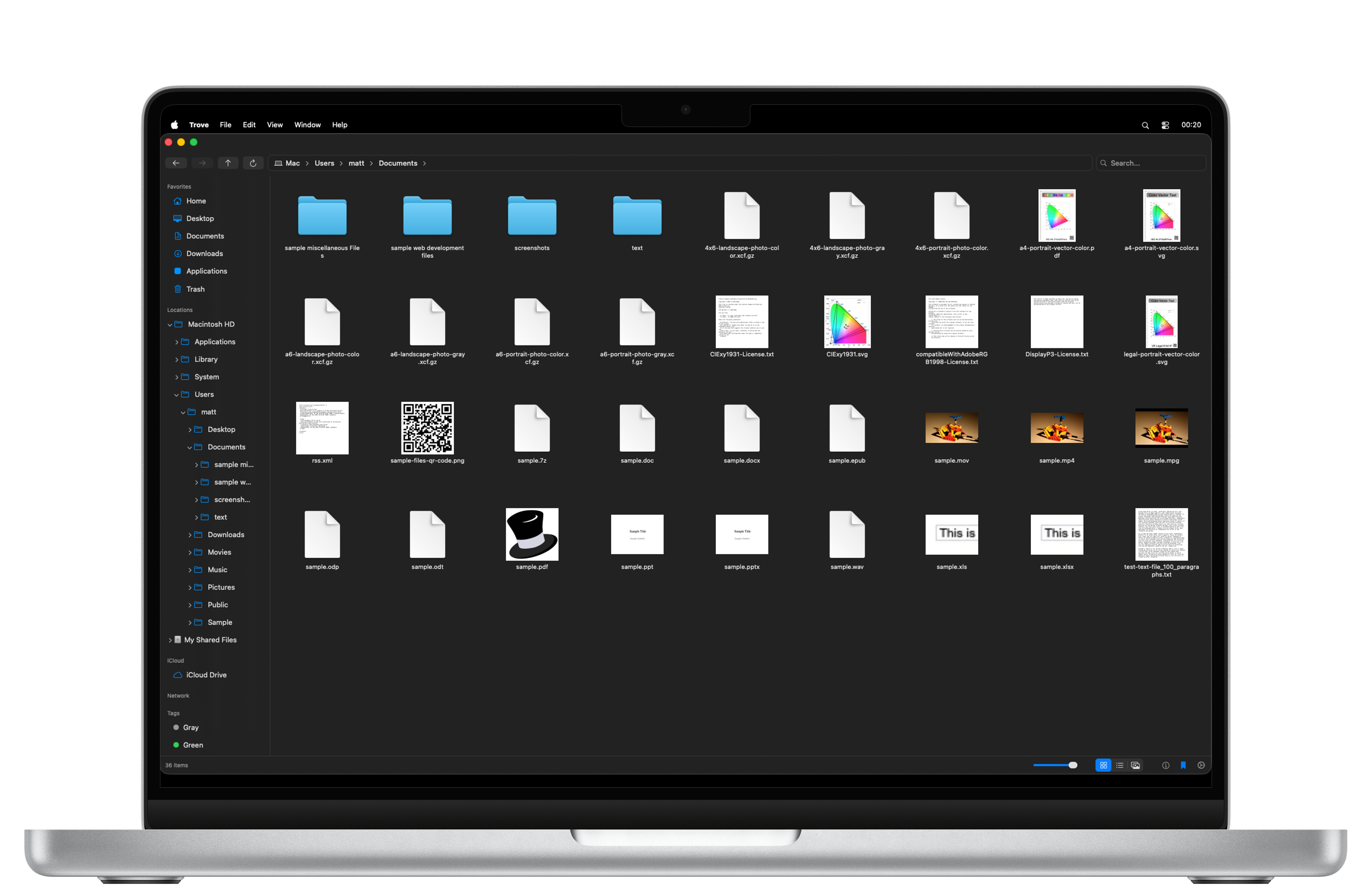
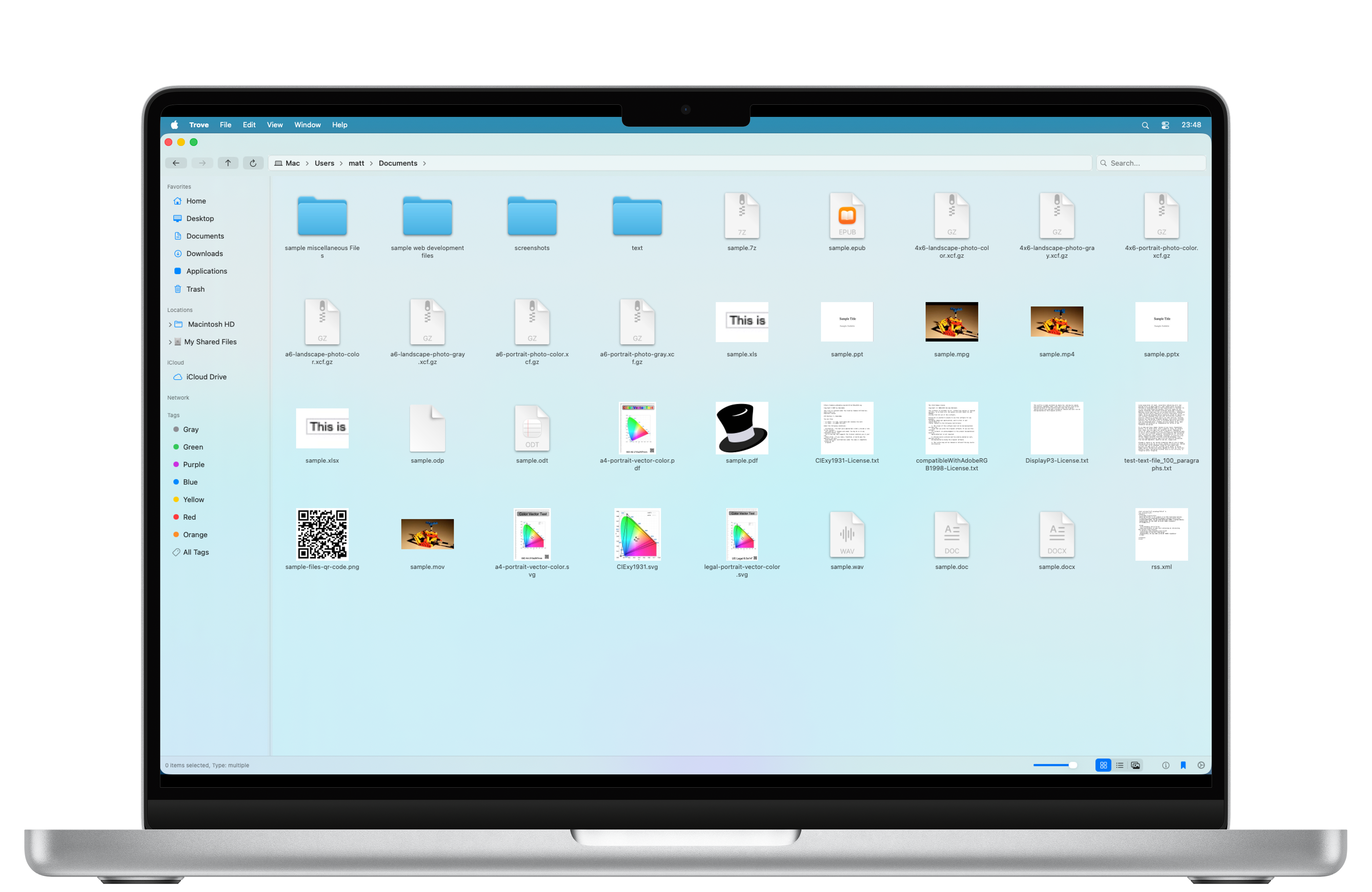
Trove Dark Mode Trove Light Mode

Cut & Paste Shortcuts

Finally use Cmd+X and Cmd+V to cut and paste files the way you expect.

Recursive Tree View

Navigate folders deeply with an expandable sidebar that auto-scrolls to your location.

Undo/Redo Everything

Full support for Cmd+Z and Cmd+Y to undo renames, deletions, and file operations.

File Information Panel

View details, tags, and comments in a collapsible sidebar. Press Cmd+Option+I to open.

Smart Conflict Resolution

Choose to Skip, Replace, Merge, or Keep Both during complex file operations.

Native Experience

Frosted glass design, native Dark Mode support, and localized in over 10 languages.

Built for Performance

Trove File Explorer was designed from the ground up using SwiftUI to feel right at home on macOS. It's lightweight, incredibly fast, and packed with features that power users love.

Native

Pure SwiftUI

Fast

Optimized Search

Global

9+ Languages

Privacy First: Trove File Explorer does not use any tracking cookies. We value your privacy.